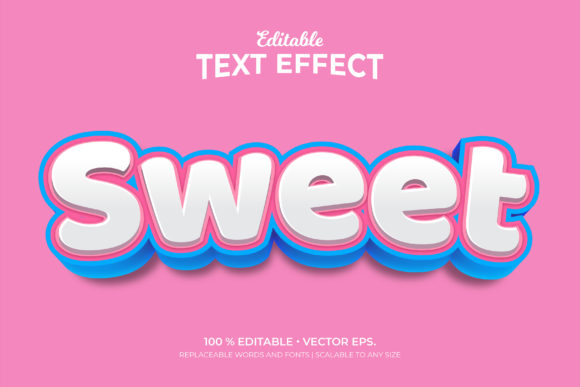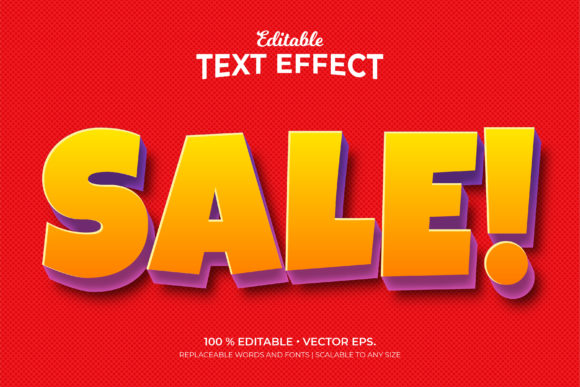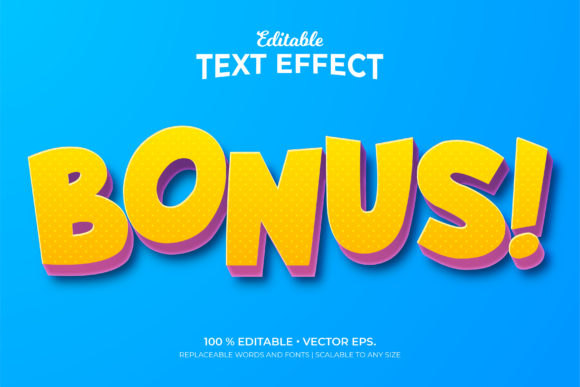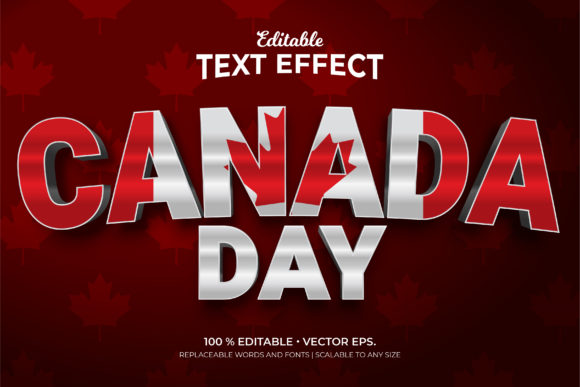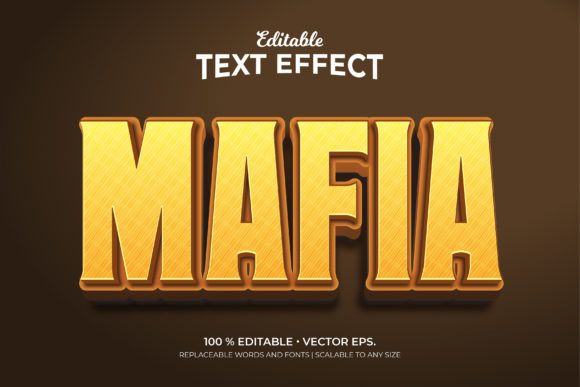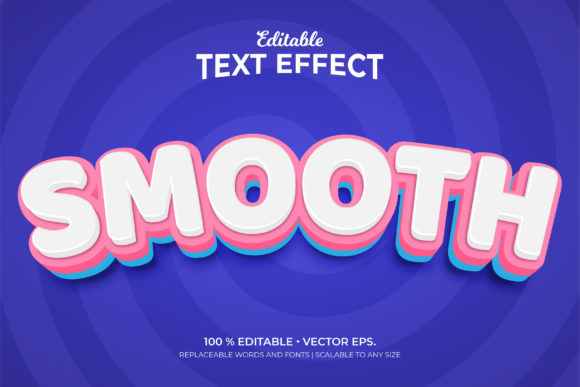
Smooth 3D Editable Text Effects Made Simple
Text doesn’t have to sit flat on the page. With smooth 3D style editable text effects, words gain depth, presence, and a polished look that draws attention without shouting. Whether you’re designing a social media graphic, building a brand identity, or putting together a presentation that actually feels modern, these effects bring a tactile quality to typography that standard bold or italic just can’t match.
At its core, a smooth 3D style editable text effect is a digital treatment that makes letters appear dimensional—think subtle bevels, soft shadows, gentle extrusions, or layered highlights—while keeping the text fully editable. You can change the word, adjust the font, tweak the color, or resize it, and the 3D effect follows along automatically. That editability is the real game-changer. You don’t need to rebuild the effect every time you update a headline.
What Makes These Effects Different
The “smooth” part matters more than you might expect. Early 3D text effects often looked harsh—sharp edges, exaggerated shadows, and colors that clashed. Smooth 3D style editable text effects, on the other hand, rely on soft gradients, gradual transitions, and lighting that feels natural. The result is text that looks rounded, almost tactile, as if it has a gentle curve or a soft foam-like quality. It’s inviting rather than aggressive.
These effects typically work inside graphic design software like Adobe Photoshop, Illustrator, Affinity, or even browser-based tools like Canva and Figma. They come as layer styles, smart objects, or plugin presets. Once applied, you can double-click the text layer, type something new, and the effect updates instantly. That’s the core appeal: professional-looking dimensionality without the tedious manual work.
Why People Are Turning to 3D Editable Text
There are practical reasons behind the growing interest. First, standing out in a crowded feed or marketplace is harder than ever. Flat text blends in. Dimensional text catches the eye, especially on small screens where every visual cue counts. A smooth 3D text effect can make a product name, a call-to-action button, or a logo mark feel more substantial and trustworthy.
Second, speed matters. Entrepreneurs, freelancers, and marketers often need to produce visuals quickly. Learning complex 3D modeling or rendering software takes weeks. Applying a pre-built smooth 3D style editable text effect takes seconds. You get a result that looks deliberate and refined, not rushed.
Third, the editable nature supports iteration. You might test five different headlines for a landing page or try different brand colors for a social media campaign. With traditional 3D text, each change meant starting over. With editable effects, you experiment freely, which leads to better creative decisions.
Social Media and Digital Content
Instagram stories, TikTok thumbnails, YouTube channel art, and LinkedIn banners all benefit from text that pops. A smooth 3D headline can turn a simple quote graphic into something shareable. Bloggers and content creators use these effects to make titles feel more like product packaging than plain text. The dimensional look signals quality and care.
Consider a food blogger posting a recipe video. A smooth 3D text effect on the dish name, with a soft drop shadow and a gentle bevel, makes the thumbnail feel appetizing before anyone even watches. The effect adds perceived value without requiring photography skills.
Branding and Logo Design
Small business owners and entrepreneurs often need a logo that feels established from day one. Smooth 3D style editable text effects can give a wordmark a sense of weight and permanence. A local coffee shop or a freelance consultant can use a dimensional text logo on their website, business cards, and social profiles, and the consistency across formats builds recognition.
The editable aspect matters here too. As a business evolves, taglines change, services expand, or names get refined. With traditional logo files, you might need to hire a designer for every update. With an editable text effect file, the business owner simply opens the template and types the new name. The result remains consistent with the original look.
Presentations and Educational Materials
Educators, trainers, and professionals who create slides know that most presentation templates look stale. Adding a smooth 3D text effect to key headings or section titles can modernize an entire deck without redesigning every slide. The dimensional text acts as a visual anchor, helping audiences remember the main point.
For online courses or webinar slides, editable 3D text effects make it easy to localize content or update statistics without recreating the visual. You keep the same polished look while swapping out the information.
Product Mockups and E-commerce
E-commerce sellers and product designers often use text effects to simulate how a word or logo might appear on a physical item. A smooth 3D editable text effect can mimic embossed leather, engraved metal, or printed plastic. Seeing the text in a dimensional preview helps customers visualize the final product, which reduces uncertainty and returns.
A handmade soap seller, for example, might use a smooth 3D text effect to show how a brand name would look on a label. The seller can adjust the color to match the soap’s natural tones and test different fonts before ordering labels. The editable nature saves time and money.
Getting Started as a Beginner
If you’re new to this space, the good news is you don’t need advanced design skills. Many marketplaces offer ready-made smooth 3D style editable text effect templates for a few dollars. These files include organized layers, smart objects, and instructions. You open the file, find the layer labeled “edit me,” type your text, and save. The effect applies automatically.
Start with a simple template that uses one or two colors and a soft shadow. Avoid complex multi-layered effects at first. As you get comfortable, you can experiment with lighting angles, gradient intensity, and texture overlays. The key is to keep the text readable. Smooth 3D effects should enhance legibility, not bury it under too many visual tricks.
Most templates work with standard fonts, but serif and sans-serif faces respond differently to dimensional effects. Sans-serif fonts tend to look cleaner and more modern with bevels and extrusions. Serif fonts can appear more elegant but may require a lighter touch to avoid muddiness.
File Format and Software Compatibility
Not all smooth 3D style editable text effects work in every program. Some require Photoshop with layer style support. Others work in Illustrator or Affinity. A few are designed for Canva or Figma. Always check the description before purchasing or downloading. If you use a specific tool, look for templates built for that environment.
Also consider whether the effect relies on smart objects or live text layers. Smart objects are more flexible for swapping content but can be slightly slower to edit. Live text layers are faster but may not support every font style.
Resolution and Scaling
A smooth 3D text effect that looks perfect at 200 pixels might break apart at 2000 pixels. Check whether the template uses vector layers or rasterized effects. Vector-based effects scale cleanly for large banners or prints. Rasterized effects, while often more visually rich, may need higher resolution source files for professional output.
If you plan to use the effect across different sizes—from a small social media avatar to a full website hero section—choose a template that explicitly supports scalable dimensions.
Customization Freedom
Some templates lock you into a specific color palette or lighting direction. Others give you full control over every parameter. Think about your typical use cases. If you work with many brands or projects, a highly customizable effect will serve you longer. If you need a consistent look for a single project, a more prescriptive template can actually save decision fatigue.
Also consider whether you can adjust the depth, bevel size, and shadow softness. These sliders transform the same base effect into a completely different mood. A shallow bevel with a wide soft shadow feels friendly and approachable. A deep bevel with a tight shadow feels premium and dramatic.
Performance and File Size
Complex smooth 3D style editable text effects can generate large file sizes, especially if they use multiple smart objects, embedded textures, or high-resolution pattern overlays. On older computers or lower-end devices, this can slow down your workflow. If speed matters to you, look for templates that balance visual quality with file efficiency. Test a demo version if one is available.
Practical Tips for Better Results
Less is often more. A single smooth 3D text effect on a headline can elevate an entire design. Using it on every word creates visual noise. Reserve dimensional text for the most important message—the title, the call-to-action, the brand name.
Pair dimensional text with flat elements. Let the 3D headline sit above a simple background with minimal texture. The contrast makes the effect stand out more. If you surround it with other busy graphics, the dimensionality gets lost.
Test your text effect on different backgrounds. A smooth 3D style editable text effect that looks stunning on white may disappear on a dark gradient. Similarly, effects with light highlights work best on darker backgrounds, while effects with deep shadows suit lighter surfaces.
Consider the emotional tone you want. Rounded, soft 3D effects with pastel colors feel playful and friendly. Sharp, metallic 3D effects with cooler tones feel professional and authoritative. Match the effect style to your audience’s expectations.
Where to Find Quality Templates
Reputable marketplaces like Envato Elements, Creative Market, and Design Cuts offer curated collections of smooth 3D style editable text effects. Many include previews showing the effect applied to different words and backgrounds. Look for seller ratings, customer reviews, and update history. A well-maintained template is more likely to work with current software versions.
Free options exist on sites like Behance, DeviantArt, and some design blogs. However, free templates may lack documentation, use outdated layer structures, or include unlicensed fonts. If you’re creating commercial work, paid templates typically offer cleaner licensing terms and better support.
Some design software also includes built-in text effects. Canva’s text effects panel offers several dimensional styles that are fully editable within the browser. Figma plugins can generate 3D text through layering and shadows. These built-in options are worth exploring before investing in external templates.
Final Thoughts
Smooth 3D style editable text effects sit at a useful intersection: they look refined without requiring expert design skills, they save time through editability, and they adapt to countless personal and professional contexts. Whether you’re a hobbyist making birthday invitations, a freelancer building client presentations, or a small business owner shaping a brand identity, these effects give your words a tangible presence that flat text simply cannot achieve.
The best approach is to try one effect in a real project. Pick a headline you care about, apply a smooth dimensional treatment, and see how it changes the way you and others perceive that message. Often, a small visual upgrade is all it takes to make your content feel more intentional, more professional, and more memorable.